
Keep the calendar connected to the job.
Appointment timing, drop-off or waiter context, and job details remain part of the same operating flow.
Scheduling
TorqueOps keeps shop hours, availability, appointment timing, and customer logistics close to the job so the team can plan without rebuilding the context in a separate calendar.
Create account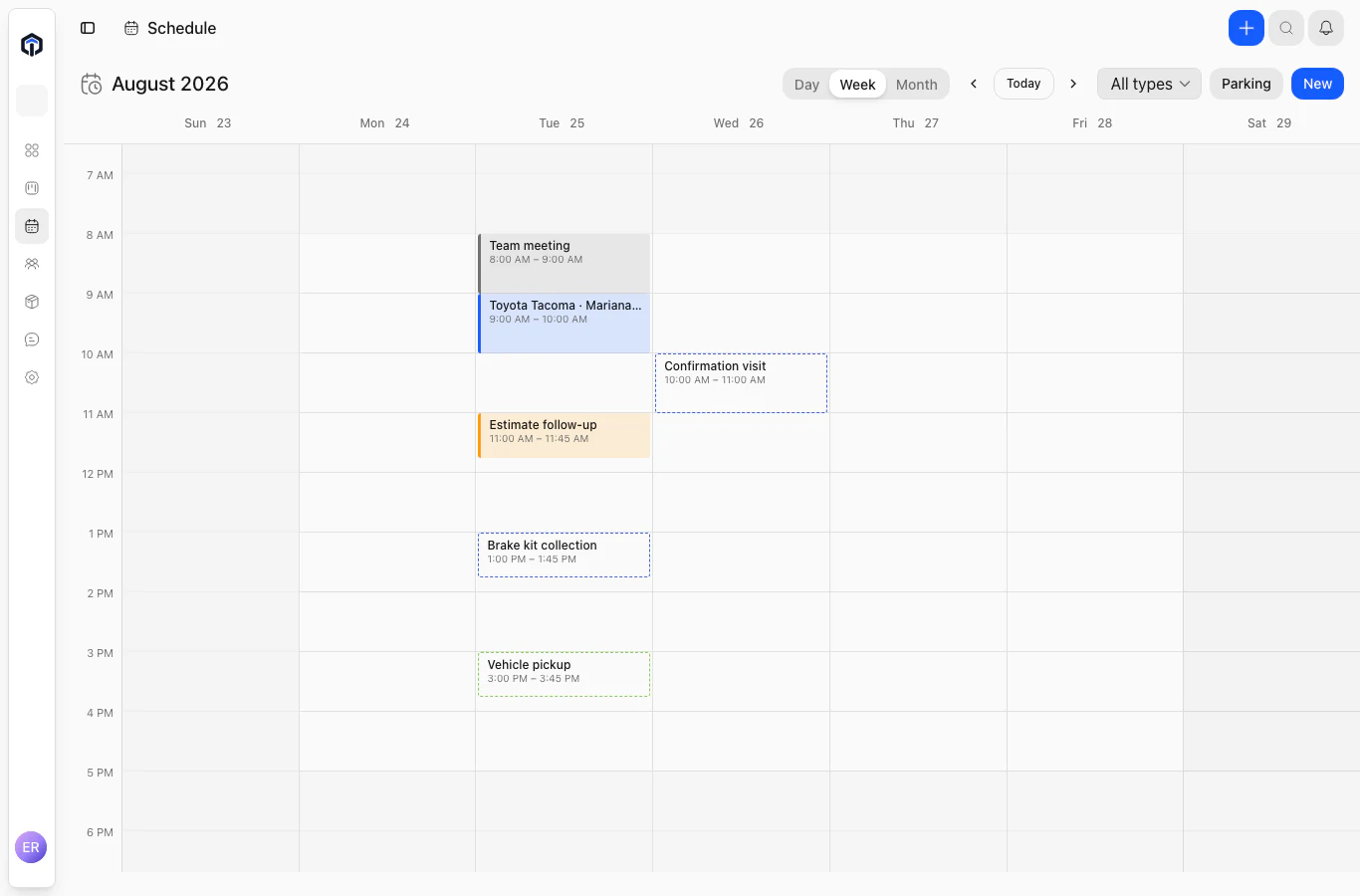
Appointment timing, drop-off or waiter context, and job details remain part of the same operating flow.
See vehicle visits, internal follow-ups, parts collection and blocked time in day, week and month views, using the shop’s timezone.
Customers can confirm eligible appointments through the scoped portal. Available booking and rescheduling actions apply to eligible vehicle drop-offs.
The next job starts here
Bring the work, the team, and the customer into one clear operating flow.